Install HTN Panel
Download the HTN Panel app on your Windows PC and sign in.


An easy-to-use app for your PC that sets up a RedM server in one click. No port forwarding needed, thanks to HTN Tunnel.
From app install to live server management, everything is guided.
Download the HTN Panel app on your Windows PC and sign in.
Choose RedM from your library. Every game is included with HTN Panel.
Deploy in one click. HTN Tunnel gives players a join address, no port forwarding needed.
Everything you need to run a RedM server from your own machine — no VPS, no complexity. HTN Panel gives you a simple app, powerful features, and optimized performance for running RedM on your own PC.
Deploy a default RedM server in seconds directly from our app
Get your RedM server running in minutes with a fully guided install experience.
Edit server.cfg, manage resources, and keep your files organized from one place.
Connect to other people's HTN Panel through our built-in teams system for easy collaboration.
Save and restore your entire RedM setup with simple one-click backup controls.
Let trusted admins or developers help manage your server start, stop, and config remotely.
Click around a live preview of the app. Deploy servers, manage files, and monitor everything from one place, exactly how it works on your own PC.

A quick look at your active servers

FiveM Server1/500

Rust Server
See how HTN Panel compares to the alternatives.
Comparing HTN Panel against AMP (CubeCoders server control panel)
| CAPABILITY | HTN PANEL | AMP |
|---|---|---|
| Run on your own PC | ✓Yes | ✓Yes |
| Built-in file manager | ✓Yes | ✓Yes |
| Backups and team access | ✓Yes | ✓Yes |
| No port forwarding required | ✓Yes | ✕No |
| Home IP kept hidden | ✓Yes | ✕No |
| Server and tunnel in one app | ✓Yes | ✕No |


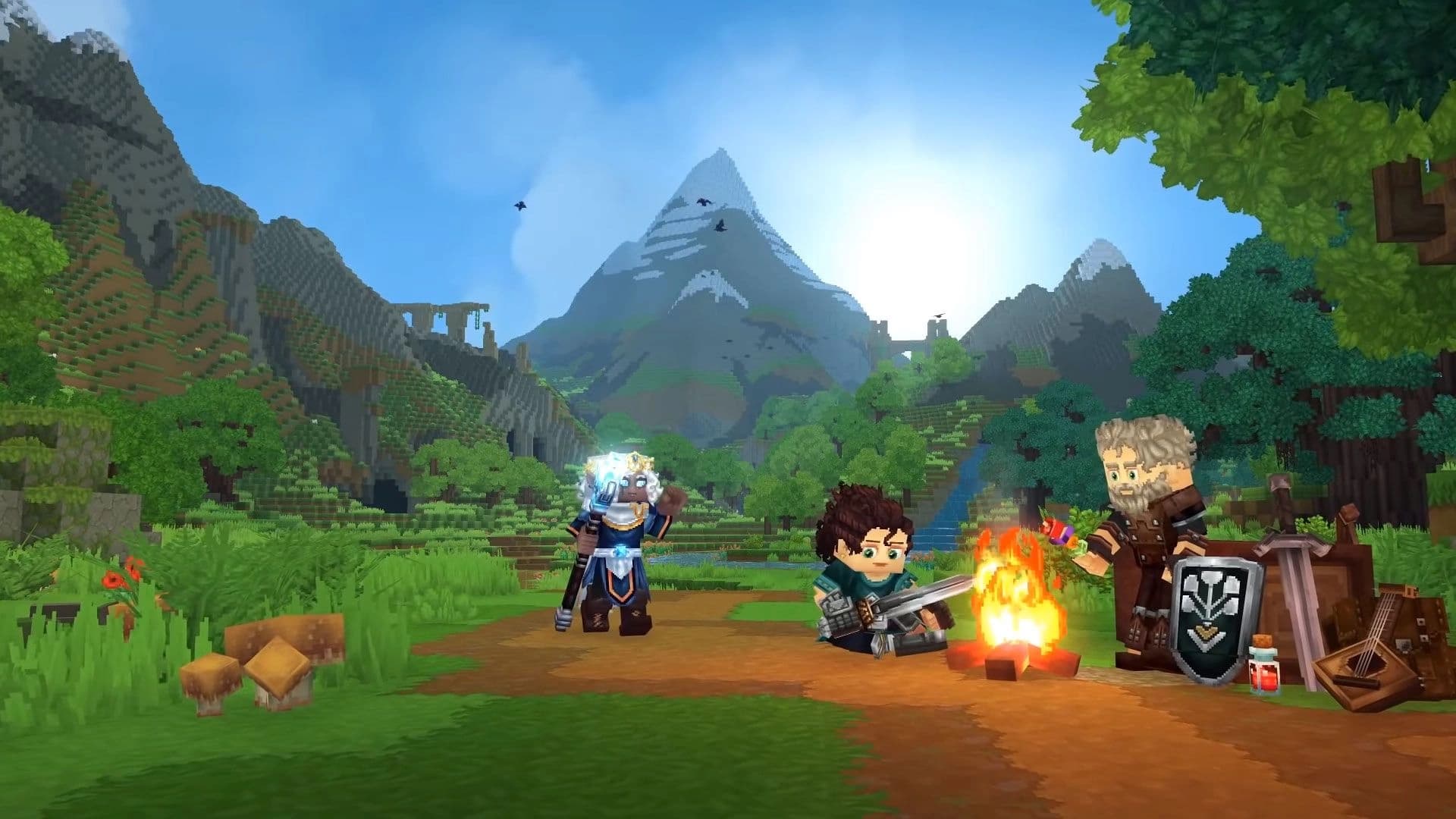




Your HTN Panel subscription doesn't stop at RedM. FiveM, Minecraft, Rust, BeamMP and every other game in the library are included at no extra cost.
Browse the library4.9/5 average rating from communities running servers with HTN Panel.
Alex Rodritquaz
March 2026
“The quality of HTN Panel is exceptional. Our community grew by 200% after switching. The custom UI elements and optimized performance make it worth every penny.”
Kieran Marlow
July 2026
“HTN Panel has transformed how we manage our game servers. The intuitive interface and powerful features have made hosting a breeze, and our players have noticed the difference in performance and reliability.”
Jenna Lark
September 2026
“As a server admin, HTN Panel has been a game-changer. The local hosting capabilities give us unparalleled control, and the built-in tools have streamlined our workflow. Our players love the improved performance and stability.”
Have questions about HTN Panel? Check out our FAQ section for quick answers to common inquiries about our game server software.
No. HTN Panel runs on your own PC, so you can make and manage supported game servers directly from your own machine.